
Uploading a STEP model can help identify machining questions for a custom bicycle pivot bolt, but it cannot by itself complete the DFM decision. A screening tool sees the geometry and supplied settings; it may not see bearing contact, usable thread engagement, final surface condition or the drawing's controlling requirements. Treat its findings as questions tied to an assumed process, then review whether a proposed change preserves the assembled interface. A clean screen is not proof of fitness, and a flagged feature is not necessarily impossible to manufacture. The useful output is a specific issue, its assumption and the engineering decision still needed.
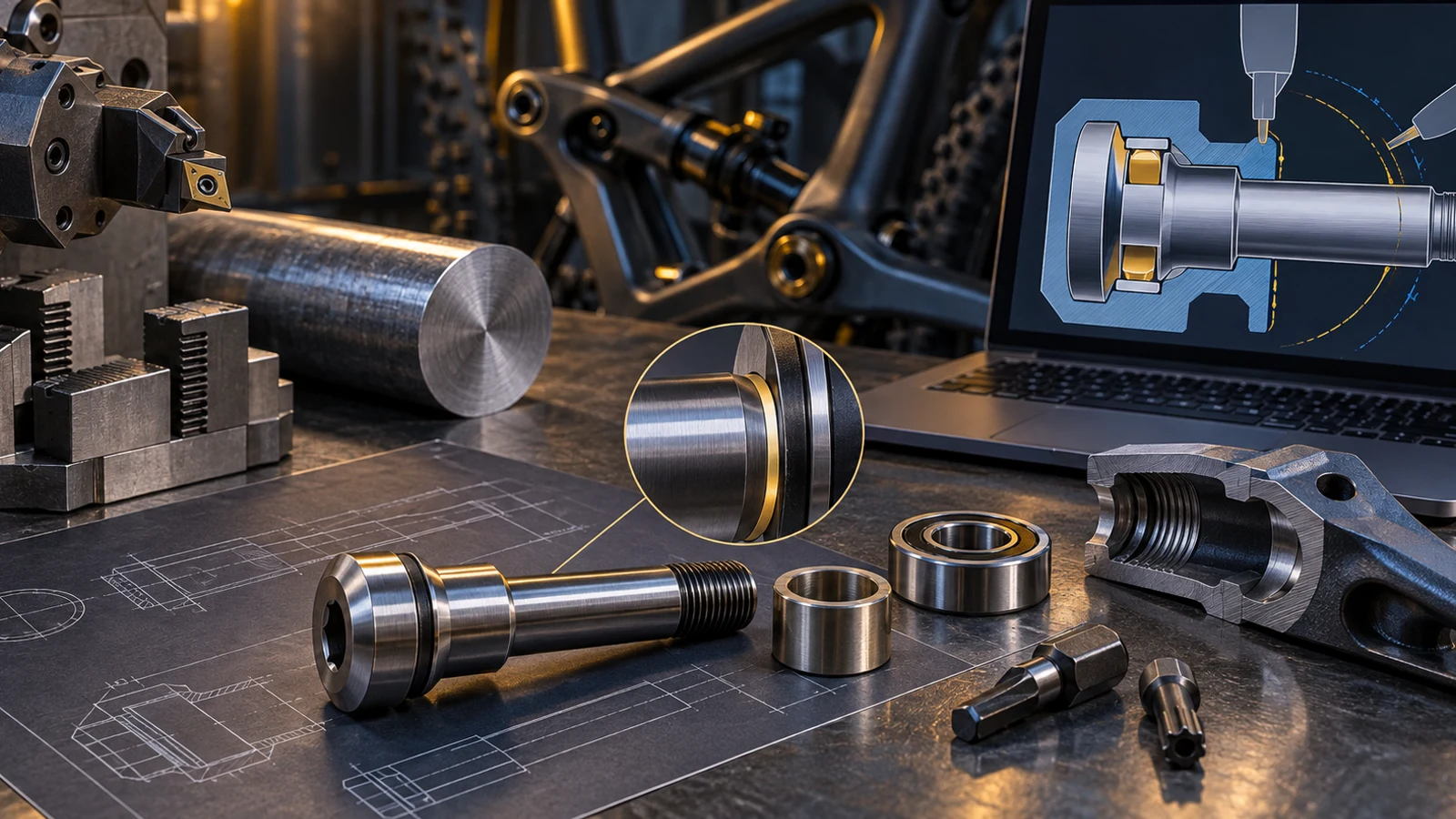
Hero: concept illustration of example hardware and its application. It is not a factory photograph, tested component or approved production geometry.
What an automated finding actually means
A tool-access warning has meaning only for the modeled feature and the assumed cutting direction, tool envelope and manufacturing route. The same geometry might require another setup or a different process rather than a design change. Ask which assumption produced the warning before deciding that the component is unmanufacturable.
Protolabs' official platform documentation distinguishes recommended changes from changes required within its ordering process. That is an example of supplier-specific analysis, not a universal pivot-design standard or a claim that PremFixer operates that platform. Read the finding alongside the supplier's process scope, not as an independent product approval.
Separate visible shape from missing requirements
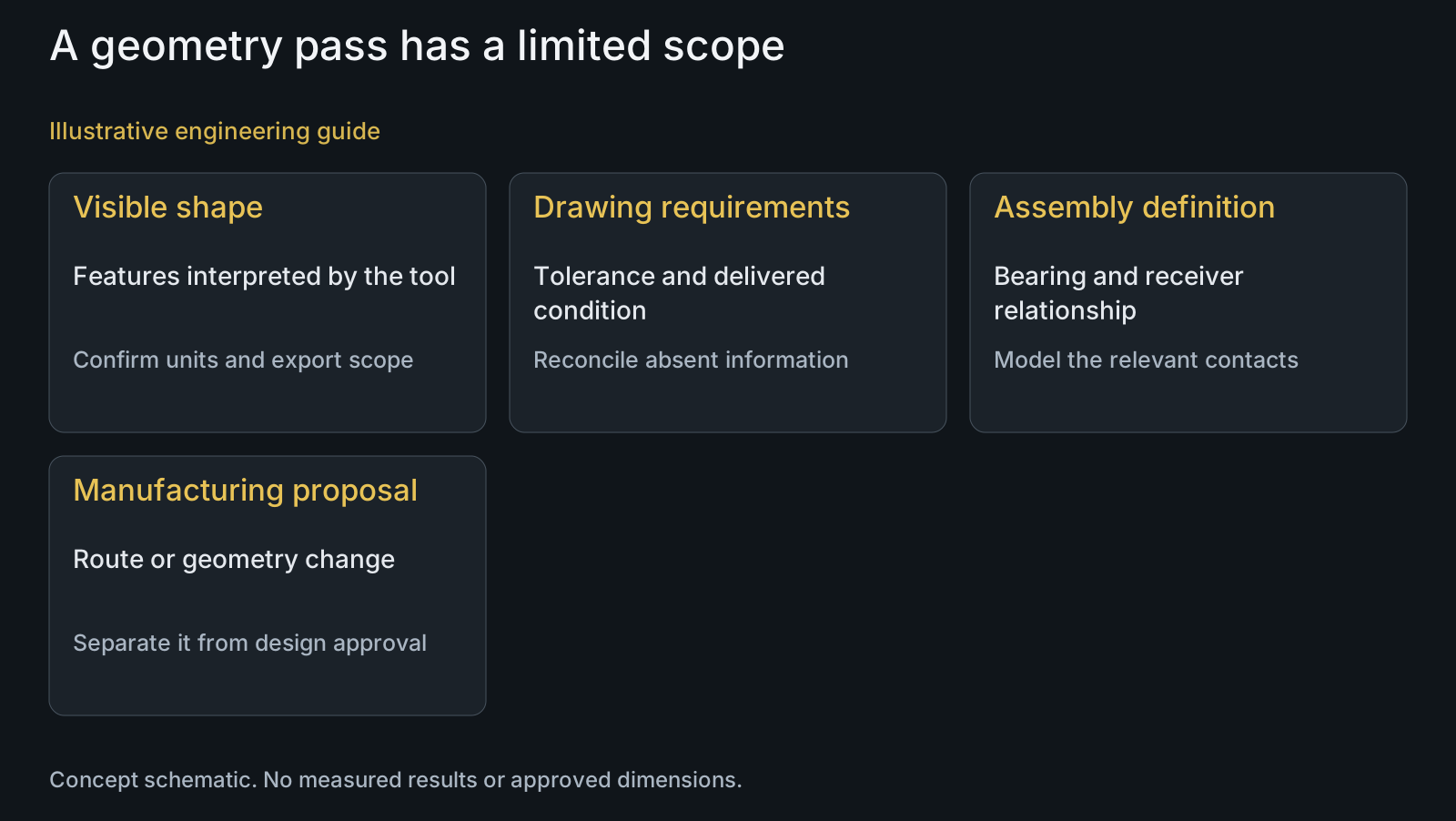
The model may show a shoulder diameter while omitting its tolerance, datum relationship, finished-state requirement or bearing manufacturer's permitted abutment geometry. Model-based definition can carry additional information, but do not assume that a particular exported file contains it or that the receiving tool interprets it correctly.
Provide the controlling drawing or annotated dataset, revision, units, material grade and condition, finish zones and mating-part details. Reconcile discrepancies instead of allowing the geometry file to silently replace drawing notes. The drawing-file RFQ guide explains how to identify these inputs.
| Finding | What it may establish | What it does not establish | Review before changing |
|---|---|---|---|
| Tool access | Conflict with assumed tool or direction | All manufacturing routes are impossible | Setup, tool envelope and alternate route |
| Small transition | Difficulty under a selected process rule | A larger radius fits the bearing | Actual chamfer and abutment contact |
| Blind hole | Modeled depth and shape | Usable engagement or bottom clearance | Complete threads and assembled position |
| Thin feature | Feature below a supplier rule | Validated structural margin | Material condition and load assessment |
| No flags | Submitted geometry passed selected checks | Missing notes were satisfied | Tolerances, finish and interface scope |
| Automatic repair | A proposed geometric alternative | Design-owner authorization | Marked differences and controlling revision |
Translate a flag into a manufacturing question
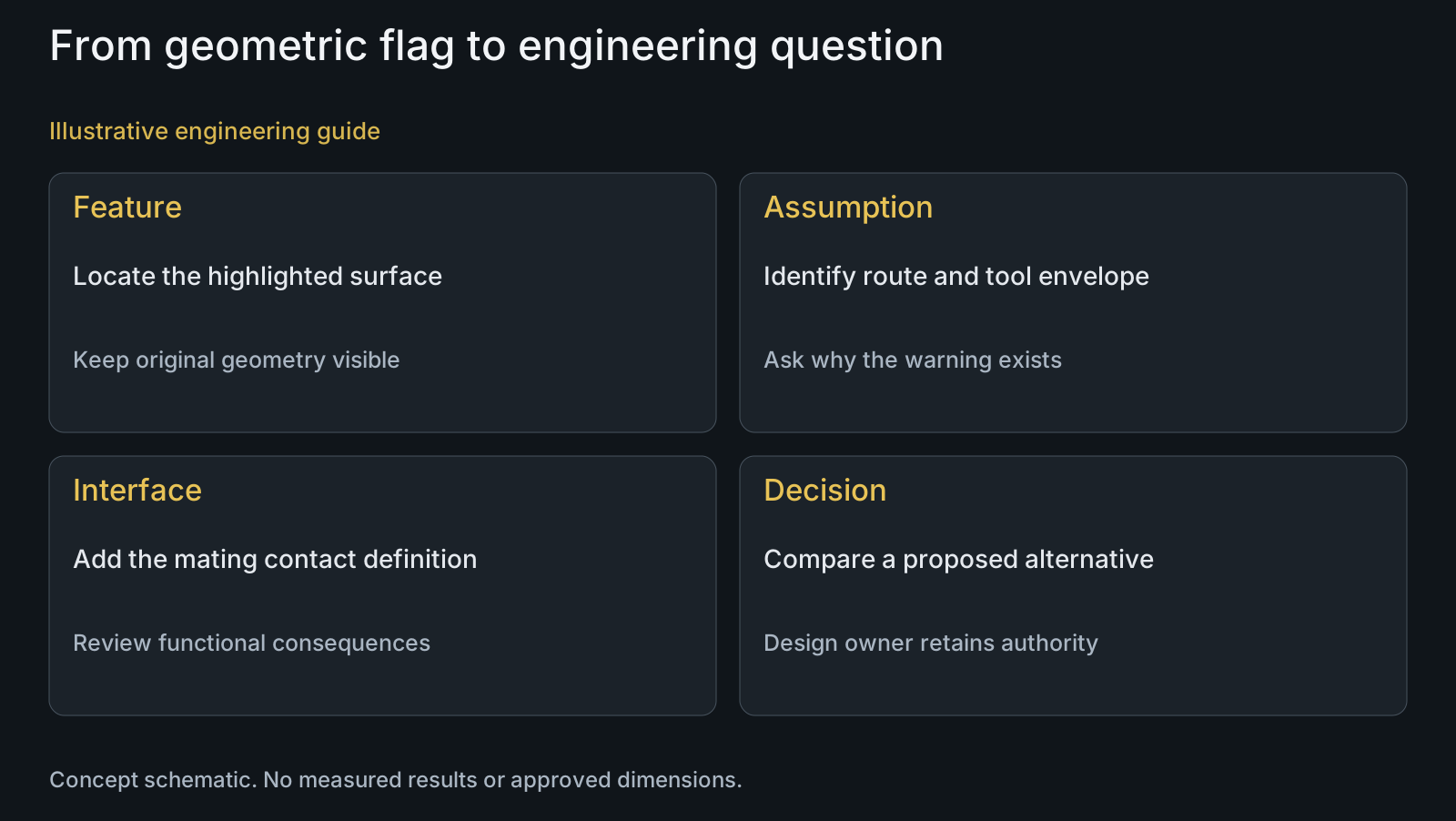
For a narrow relief, ask whether the assumed tool can reach and leave the required surface without changing the adjacent seat. For a blind hole, distinguish geometric depth from complete usable thread and bottom clearance. For a clamping feature, ask which setup locates it and which surfaces must remain protected.
A numerical warning should disclose the applicable rule and supplier context. Do not import another platform's machining limits as PremFixer capability. Discuss the feature through CNC turning, then connect the proposed route to the required dimensional relationships and inspection access.
Review interface consequences before accepting a suggestion
Increasing a shoulder radius may simplify a cutting operation while preventing a bearing ring from reaching its intended abutment. Shortening a bolt may improve access while changing engagement. A recommendation needs both a manufacturing rationale and a review of the function it could disturb.
The custom-pivot DFM review addresses these physical decisions. This online-screening guide adds the interpretation boundary: preserve the original feature, tool assumption and proposed alternative so the reviewer can challenge the reasoning rather than merely acknowledge a colored marker.
Keep proposed geometry separate from the controlling file
Do not let an automated repair become the new manufacturing definition without design-owner authorization. Retain the original submission and identify changed features in a separate proposal. A revised file should have a recognizable revision and an explicit relationship to the accepted drawing.
A quote based on the revised geometry is not confirmation that the customer approved the change. Clarify whether the response prices the original definition, a proposed alternative or an unresolved assumption. Use the revision-compatibility guide when a change also affects mating parts.
Example: a radius recommendation that needs another view
Illustrative engineering example: assume an online screen recommends enlarging a pivot shoulder transition for its chosen tool. The model contains the bolt but not the bearing. The customer supplies the bearing chamfer envelope and intended contact face; the reviewer compares those with the proposed transition. No dimensions, platform result or successful test are assumed.
If the ring could contact the radius before the abutment, the customer considers a compatible transition, a suitable relief or a different manufacturing route. The original warning remains useful, but its suggested solution cannot be accepted from bolt geometry alone. A follow-up screen evaluates changed geometry; assembly acceptance still requires the separate functional assessment.
Keep related material and application decisions accessible through materials, full-suspension solutions and the customer decision knowledge center.
Questions buyers need to confirm
Can uploading STEP complete the DFM review?
No. It can support geometry screening, but confirm the file's contents and add tolerances, material condition, finish zones and mating interfaces. Those fields determine whether a feasible cutting route produces the required delivered component.
Does a warning mean the pivot bolt cannot be made?
Not necessarily. Identify the tool, setup and process rule behind the warning. Another route may be possible, while changing the feature may affect bearing contact or structural requirements. Request a feature-specific response rather than an unexplained rejection.
What belongs in a useful finding map?
Include the file revision, highlighted feature, rule or assumption, potential consequence and proposed review. Also identify whether the suggested alternative is priced, technically evaluated or approved; those are different decisions.
Should the system edit our drawing automatically?
No, not without explicit authorization and controlled review. Keep proposed geometry separate, show the changed features and have the design owner assess mating interfaces. A platform's accepted upload does not replace that authorization.
What if the model and drawing disagree?
Resolve the controlling definition before dependent decisions proceed. Identify the conflicting diameter, length, note or revision and ask the owner which is intended. Do not average values or assume the newer upload governs every requirement.
Does PremFixer provide an automatic online DFM verdict?
This guide does not claim a deployed automated tool. Submit the actual drawing, model, bearing and receiver details for a focused manufacturing discussion. An initial geometry observation should be distinguished from a completed engineering assessment.
Technical references and scope
Protolabs ProDesk platform documentation. Official supplier-platform example of CAD upload, configured manufacturing analysis and recommended versus required changes; its limits and workflow are not PremFixer capability or a bicycle acceptance specification.
Explore related component, material and sourcing decisions in the customer decision knowledge center. For a drawing review, use the Drawing/BOM RFQ path.
Turn a flagged feature into a focused drawing review
Send the controlling drawing and STEP file, units and revision, highlighted finding, material condition, finish zones and relevant bearing or receiver geometry through the Drawing/BOM RFQ path. Ask PremFixer to discuss the assumed manufacturing route and proposed alternatives without changing the approved definition silently.
Discuss the drawing and BOM