

Axial spacing · Technical rendering
Bearing Spacer Systems
Define contact faces and the distance between bearing rings or a shaft shoulder.
Explore the task →Applications / Find the assembly task
Start with the function your hardware must perform: establish spacing, locate a shaft, retain a setting or connect several part numbers. Choose the relevant assembly task below, review the original component references, then share the drawing or BOM that defines your project’s interfaces, quantities and acceptance requirements.
Define contact faces and the distance between bearing rings or a shaft shoulder.
Explore the task →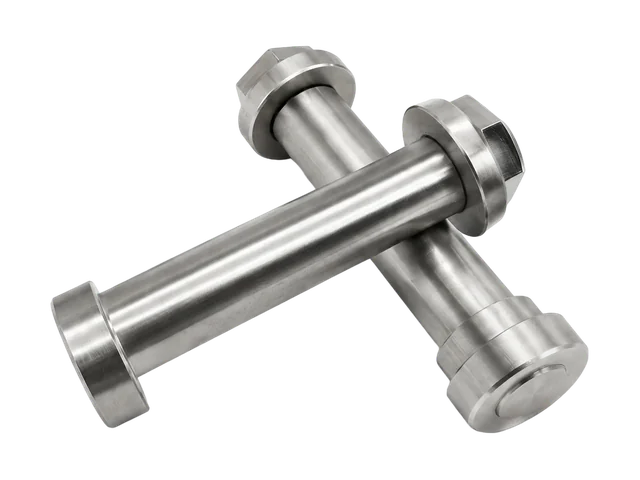
Connect mating diameters, shoulder positions, retention and installation order.
Explore the task →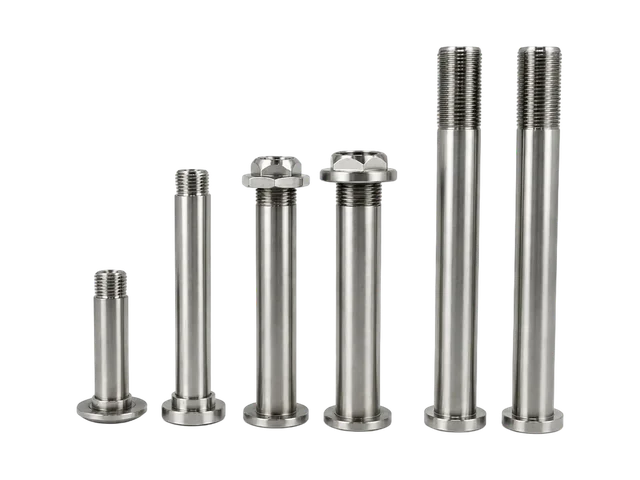
Set mounting distance, hole alignment and tool clearance at each position.
Explore the task →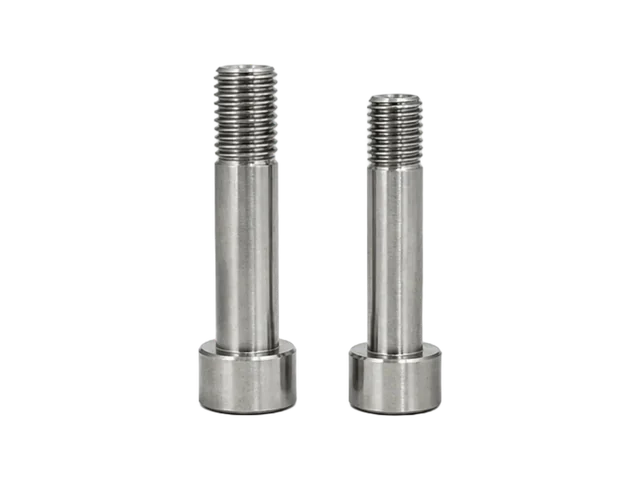
Specify working travel, mating threads, locking and the contact surface.
Explore the task →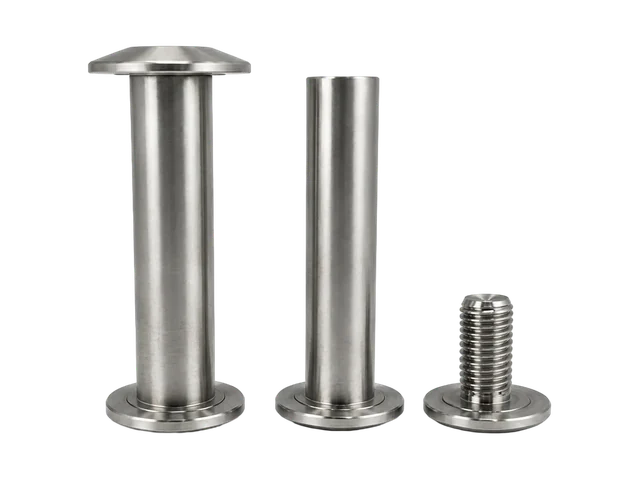
Review the BOM, individual manufacturing responsibilities and paired sample requirements.
Explore the task →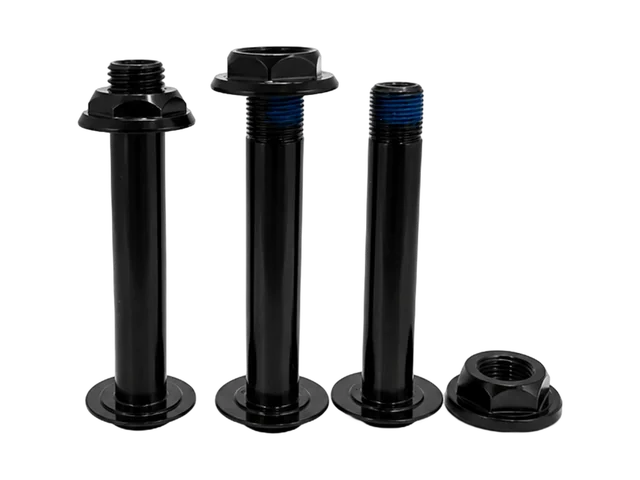
Define kit contents, revisions and packing groups within the agreed manufacturing scope.
Explore the task →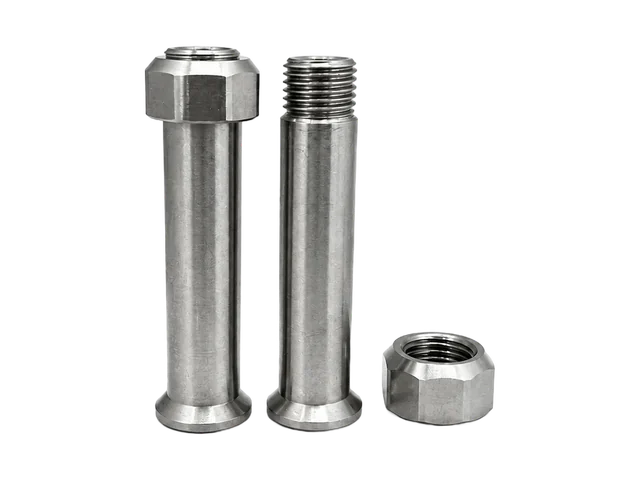
Bring accessory drawings, mating faces and a position-based hardware list.
Explore the task →Define datums, radial holes and flats in Anti-Rotation Shafts & Pins.
Review the host opening and installation method in Threaded Insert Mounting Systems.
For an existing bicycle system, continue to Bicycle Applications, MTB Frame Fasteners or Bicycle Solutions. Use Motorcycle & Powersports and the Industries Overview for industry context.
Choose the task closest to the interface, then share an assembly section showing the surfaces and components involved.
Send the component drawing for a single part, or the BOM and mating drawings for a multi-part set.
They link to existing geometry references. Your approved drawings define the new project dimensions and acceptance.
Use the system manufacturing packing review, with approved item revisions and per-group quantities.