
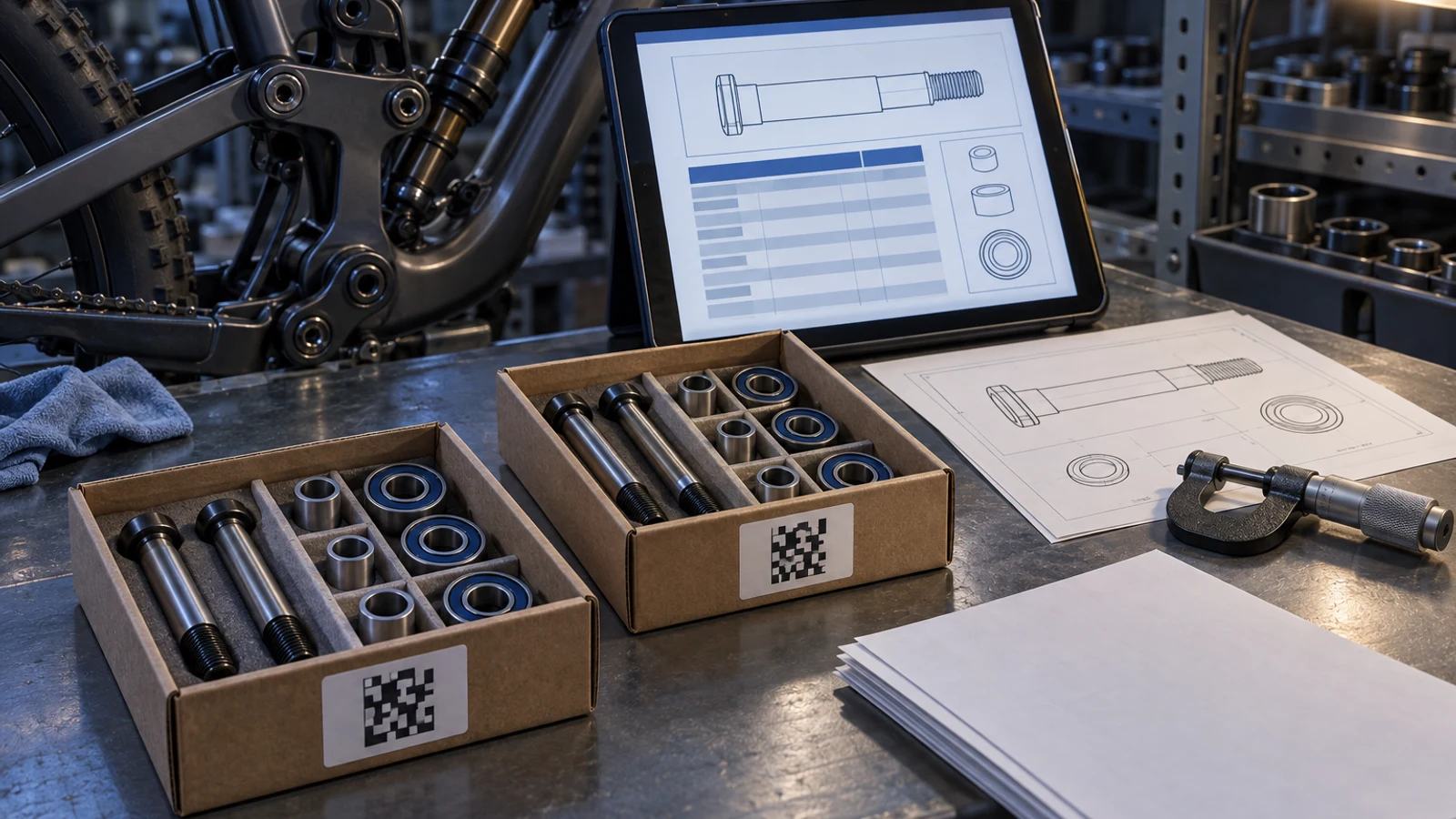
A QR code on a pivot-hardware package can make an inspection report easier to retrieve, but scanning it does not prove that the report is authentic, current or applicable to the goods received. First identify the issuing source, then compare the report's part number, revision, lot and represented condition with the shipment. Finally check whether its measurements cover the acceptance questions in the order. A genuine report for another group is still unsuitable evidence, and a correct lot link does not turn a limited sample report into inspection of every unit. These are separate receiving decisions, not one scan-to-pass event.
Hero: concept illustration of example hardware and its application. It is not a factory photograph, tested component or approved production geometry.
A code opens information; it does not establish provenance
GS1's official explanation describes Digital Link as connecting item identifiers to online information through resolver services. That retrieval purpose helps distinguish a code from the evidence it opens. This is not a claim that PremFixer uses GS1 identifiers or offers a deployed QR-report service.
Check the destination against an issuing channel already established with the supplier. A familiar logo on the landing page is not enough to identify the issuer. If the destination or report origin is uncertain, use the known supplier contact rather than relying solely on contact information displayed by the questionable page.
Match the represented population before reading results
Compare the report's part number and drawing revision with the ordered configuration and package identity. Establish whether its lot reference represents raw stock, a manufacturing group, a finishing subgroup or the packed shipment. Those scopes can be connected without being interchangeable.
A kit containing an axle, screw and sleeve may require several component-linked records. The digital lot-traceability guide explains these physical relationships. This report review asks a narrower question: does the displayed document represent the exact component population being received?
| Review subject | What to compare | Risk if omitted | Useful verification |
|---|---|---|---|
| Issuing source | Known supplier channel and issuer identity | A convincing page is mistaken for provenance | Confirm through established contact |
| Part configuration | Part number and controlling revision | Another design is represented | Match order and package identity |
| Covered population | Manufacturing or finishing group and packing link | A genuine but unrelated lot report is used | Reconcile shipment-to-report scope |
| Reported condition | Before or after the relevant operation | Unfinished size is treated as delivered fit | Check measurement state and finish route |
| Measurement scope | Characteristics, units and sampling basis | Limited evidence becomes universal acceptance | Compare required acceptance questions |
| Current status | Correction relationship and applicable version | Recipients use inconsistent evidence | Identify replaced record and reason |
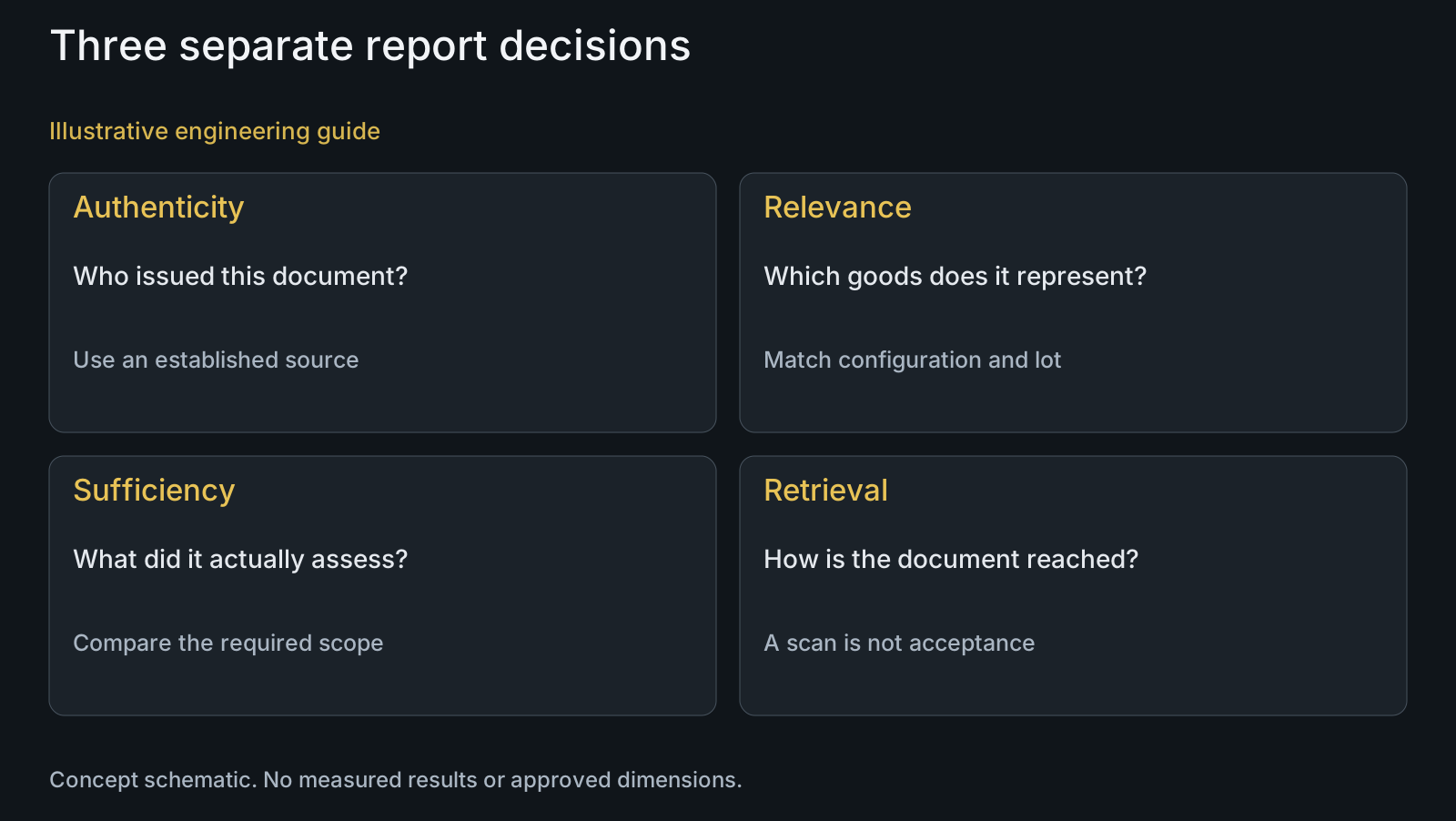
Read the measurement condition, not just a green status
Check which drawing characteristics were measured, the represented sampling scope, units and component condition. A dimension measured before a geometry-affecting finish cannot independently establish the finished seat condition. A size result also does not substitute for an unreported geometric relationship or functional assessment.
Do not infer inspection of every bolt from a report attached to the whole lot. Ask what population and selected units the report represents and what acceptance basis was agreed. Use manufacturing and surface-treatment review to clarify the relevant delivered state.
Distinguish a material document from a component inspection report
A material document may represent received stock and its reported condition. It does not automatically report final bolt dimensions, finishing history or every component in the kit. A dimensional report has a different subject and should identify that subject clearly.
Likewise, a quality-management-system certificate is not shipment-specific dimensional evidence. Identify each requested deliverable by purpose, represented item and acceptance question. Review the material-compliance document guide alongside materials rather than collecting unrelated documents as if quantity established quality.
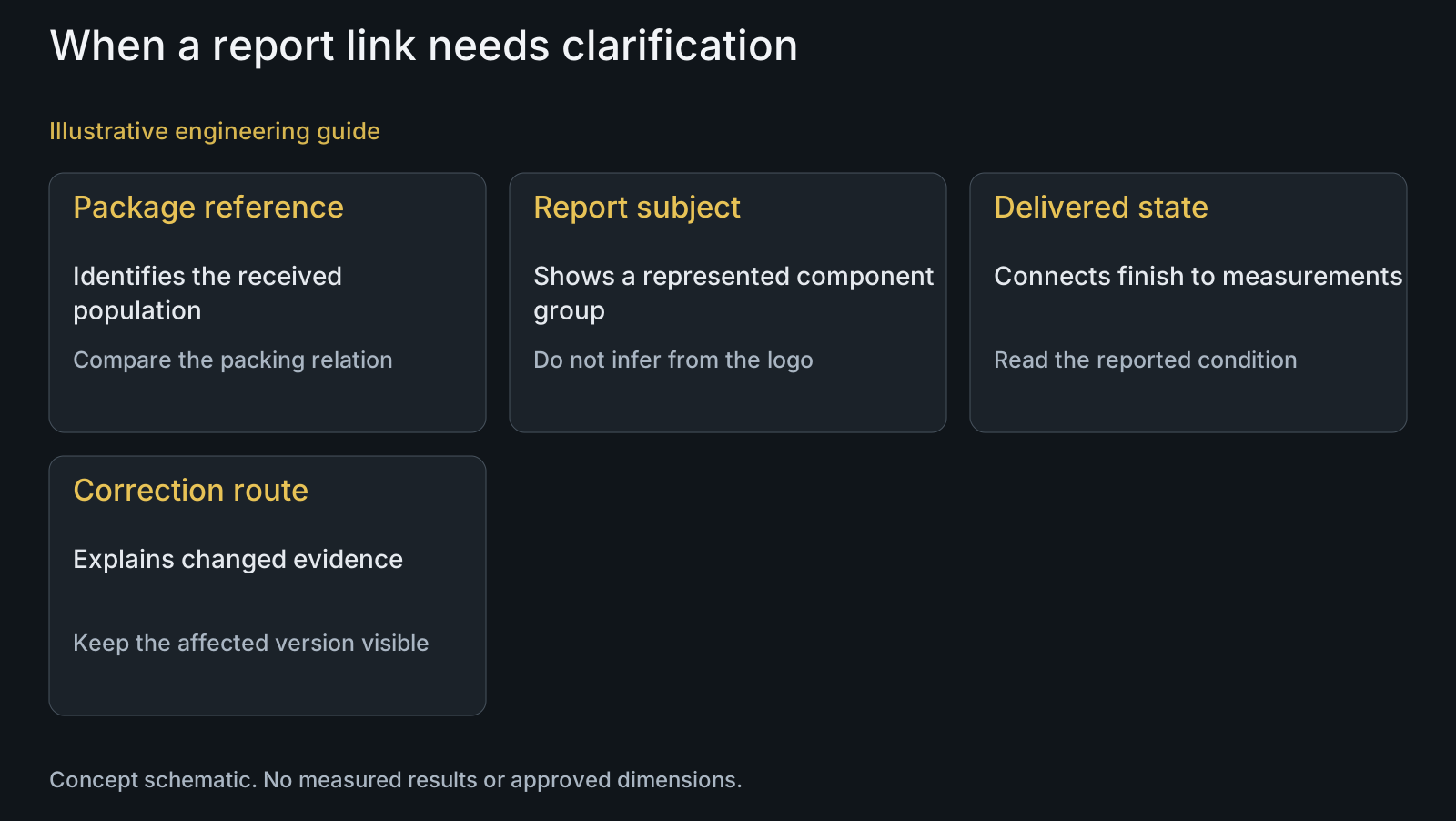
Make correction and access limits visible
A corrected report should identify what changed, the affected earlier document and the current status. Merely replacing the downloadable file can leave receiving teams holding different versions without knowing which information is intended to govern their decision. Separate correction of a transcription from a change to the represented inspection result.
Agree which recipients can retrieve the relevant records and what fallback applies when online access is unavailable. The page should disclose the shipment scope and a known clarification route without exposing unrelated customer drawings or lots. A public link is convenient, but convenience alone does not justify unrestricted access to confidential engineering information.
Example: a valid report that covers the wrong finishing group
Illustrative engineering example: assume two groups of the same pivot bolt share a nominal part number but undergo different finishing routes. A carton code opens an authentic report for the first group, while its packing reference points to the second. No actual shipment, defect, measurement or completed correction is asserted.
The receiving reviewer does not conclude that either group failed. The mismatch means the displayed report cannot support this carton's intended acceptance decision. The supplier is asked to reconcile the packing-to-report relationship and identify evidence for the represented final condition. Replacing the URL without explaining the scope would leave the original ambiguity unresolved.
Related sourcing and system decisions remain available through solutions and the customer decision knowledge center.
Questions buyers need to confirm
Does a QR code prove an inspection report is authentic?
No. It is a retrieval route. Establish the issuing source through a known supplier channel, then review document identity and status. A copied label or convincing page does not independently establish provenance.
Can one report cover the whole pivot kit?
Only if its stated scope actually covers the required components and characteristics. Match axle, screw and sleeve identities separately; a report for one component does not become evidence for the others merely because they share packaging.
Does a lot-linked report mean every bolt was inspected?
No. Read the sampling and characteristic scope. The represented population, selected units and agreed acceptance basis determine what the results support; a shipment link alone cannot expand that evidence.
What happens when a report is corrected?
Identify the affected earlier version, changed information and current applicability. Ask whether the correction concerns document transcription, population identity or inspection results, because each changes a different receiving judgment.
What if the QR page is unavailable?
Use the agreed alternative document channel and supplier contact. Preserve the package and order references when requesting the report. Unavailable retrieval is not evidence of a failed part, but it may prevent completion of the required documentary review.
Will every PremFixer batch include a QR report?
That universal service is not established here. Agree the required report types, lot relationships, access recipients and delivery method for the order. Submit a sample receiving requirement so the actual deliverables can be defined.
Technical references and scope
GS1: What is GS1 Digital Link?. Official explanation of identifier-to-information linking through resolver services; used only to distinguish retrieval from report provenance or shipment acceptance, with no PremFixer implementation claim.
Explore related component, material and sourcing decisions in the customer decision knowledge center. For a drawing review, use the Drawing/BOM RFQ path.
Define inspection evidence that matches your received hardware
Share the drawing and BOM, required characteristics, report format, component and lot identification needs, final finishing condition and receiving access requirements through the Drawing/BOM RFQ path. Ask PremFixer to clarify the represented report scope and document-delivery method for your order.
Discuss the drawing and BOM