
An online inquiry confirmation for custom pivot hardware does not mean the drawing is approved, the order is accepted or production has started. It confirms only the submission event it describes. Link later updates to the drawing revision, kit BOM and quantity, then ask what event occurred and what remains unresolved. File upload, machining completion, final inspection, dispatch and carrier delivery are different states. PremFixer's website provides an inquiry path; this guide does not establish instant checkout or a live production-tracking portal. Useful digital procurement makes those boundaries clearer rather than converting a convenient screen into an unsupported approval or delivery promise.
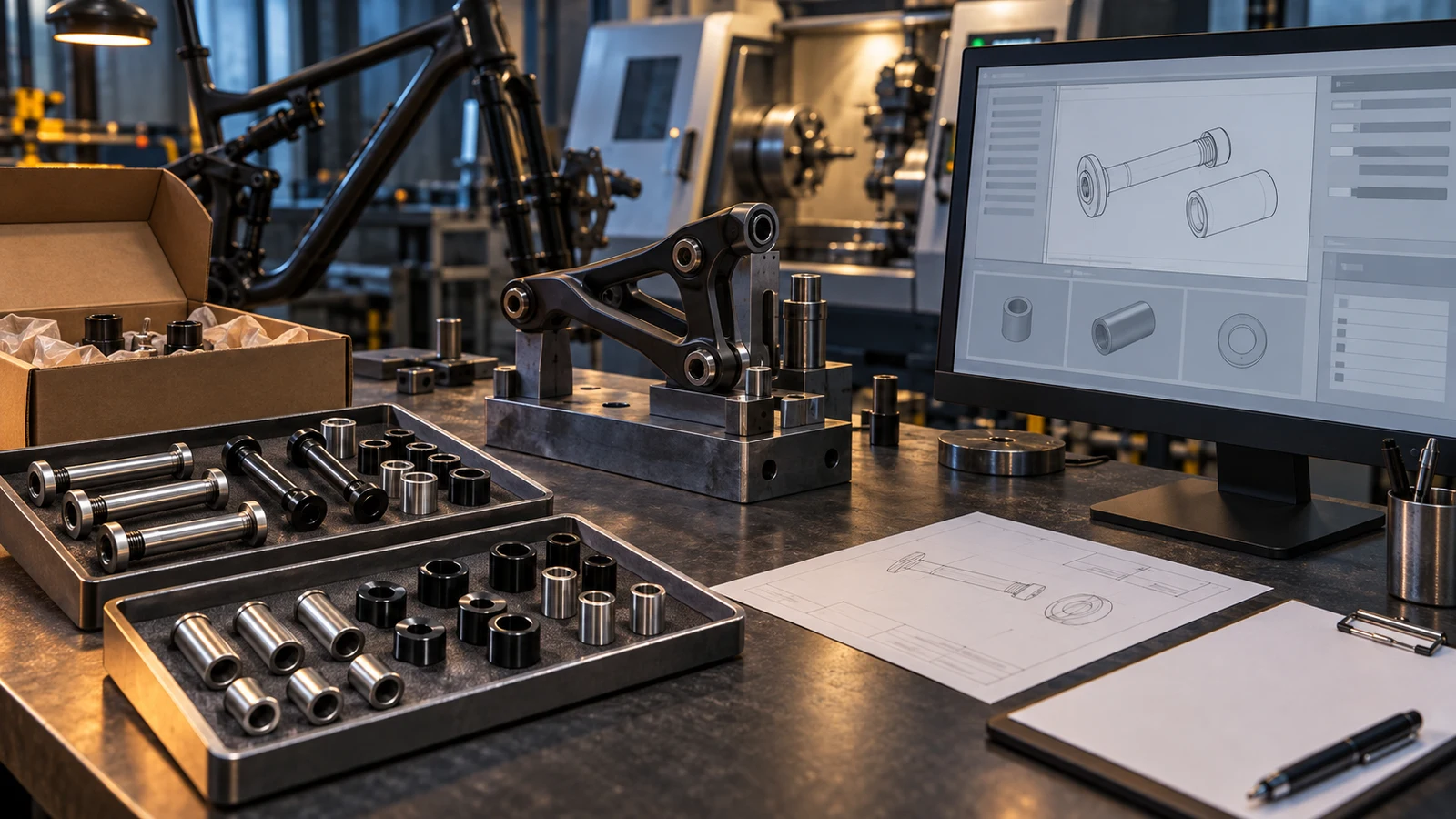
Hero: concept illustration of example hardware and its application. It is not a factory photograph, tested component or approved production geometry.
Separate a file upload from a received inquiry
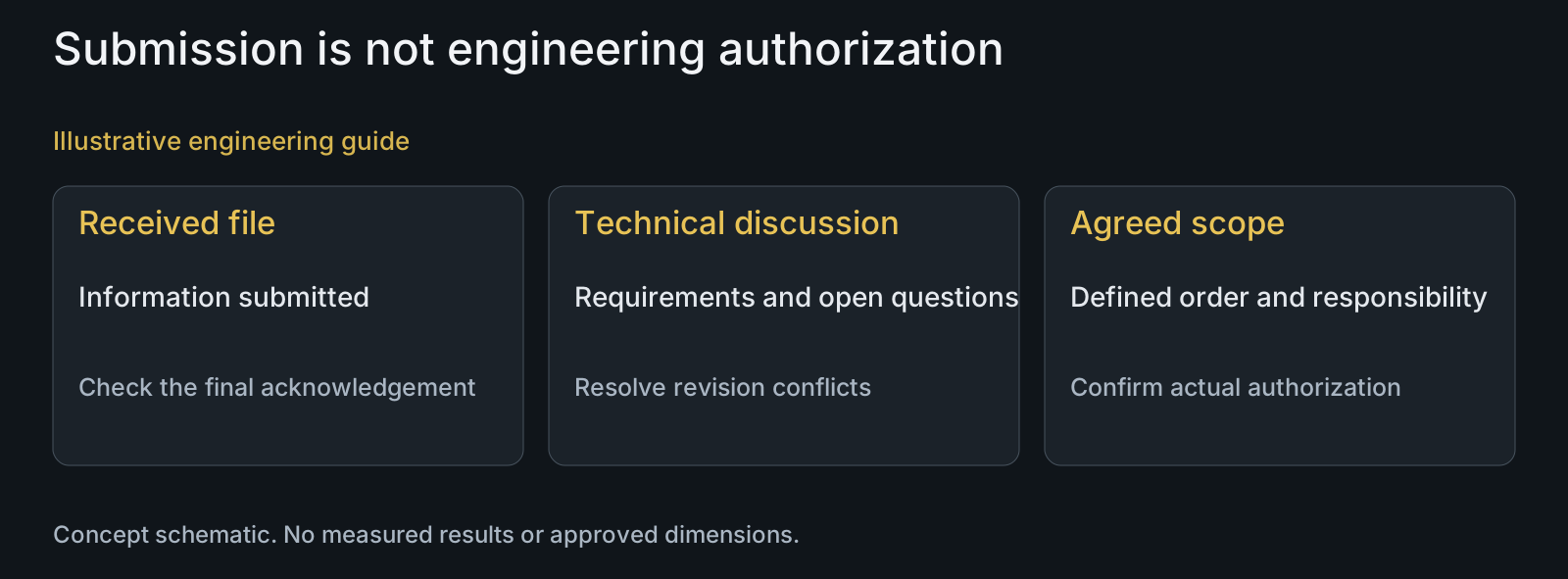
Selecting a drawing on the buyer's device is not the same as uploading it. Upload completion is not the same as the inquiry being successfully submitted. Read the displayed result and resolve a submission error through the stated contact path rather than assume the supplier has the complete request.
PremFixer's inquiry interface distinguishes file preparation, submission and receipt confirmation. That interface supports a project request, not automatic manufacturing authorization. The buyer still needs the relevant response and agreement for the custom parts being discussed.
Describe the supplied files by part and revision in the message. If only a STEP file is provided, identify missing material, finished dimensions or acceptance requirements separately. A file's arrival cannot establish the completeness or correctness of its engineering definition.
Connect each update to a specific configuration and event
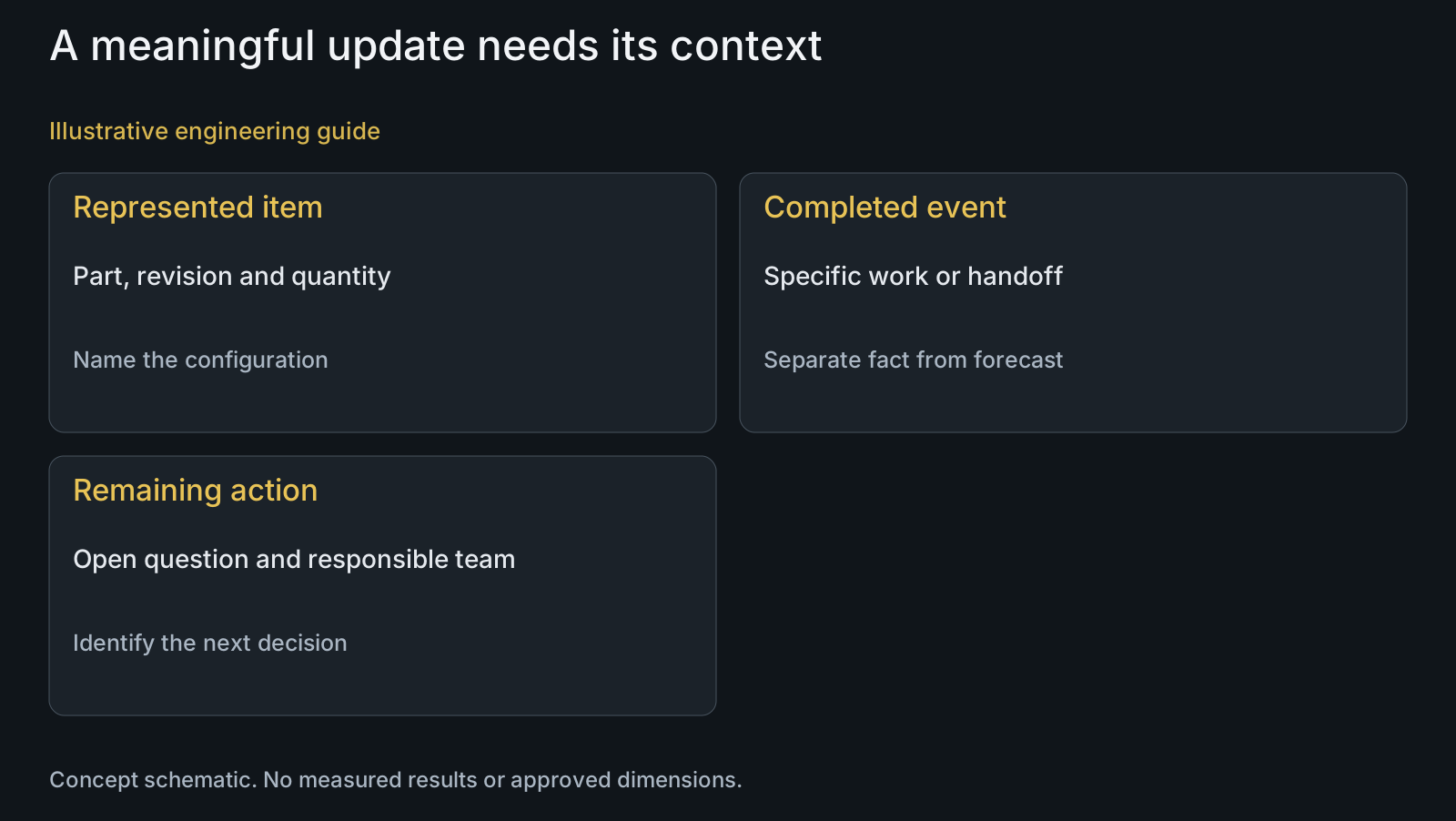
Ask which part numbers, drawing revisions and quantities an update represents. A statement that the pivot order is progressing may refer only to one item or operation. The complete BOM provides the context needed to judge whether the assembly requirement is moving forward.
NIST's digital-thread research describes connecting design, manufacturing and inspection information and the problems caused by information gaps. That historical research supports the importance of context; it is not evidence of a deployed PremFixer portal or promised digital integration.
Use explicit event language such as machining completed for the stated bolt revision or specified finished-feature inspection awaiting review. Avoid treating an unexplained percentage as a physical milestone. A status can be useful without claiming that every machine and partner updates it continuously.
| Message or status | What it can indicate | What not to infer | Useful follow-up |
|---|---|---|---|
| File selected or uploaded | Specified file-handling event | Complete inquiry received | Read the final submission result |
| Inquiry received | Request acknowledged | Drawing approved or order accepted | Confirm scope and open questions |
| Machining completed | Stated operation for identified parts | Whole finished kit ready | Check treatment, sleeves and evidence |
| Inspection reported | Represented features and condition | Every acceptance decision closed | Review scope and open disposition |
| Shipping reference created | Shipment reference available | Physical carrier receipt or delivery | Check actual handoff event |
Identify remaining work and who must act next
An update should help the buyer distinguish work in progress from a question awaiting its decision. If a finish requirement is unresolved, identify that requirement and the affected part. Otherwise the customer may interpret no visible movement as a shop-floor delay when the configuration has not been agreed.
Ask when the information was updated and who can explain the next event. A manually prepared update can still be useful if its represented state is clear. Do not describe it as real-time machine data merely because it arrives electronically.
Separate an expected next date from an event already completed. The evidence for completion and the assumptions behind a forecast serve different purposes. A screenshot of a schedule cannot establish that finished parts or reports already exist.
Distinguish production completion from complete-kit dispatch
A finished bolt may still await its sleeve, specified treatment, inspection disposition or agreed packing. Ask what is complete for the whole kit. Do not substitute progress on the most visible component for readiness of every item required at assembly.
Likewise, a created shipping reference and physical carrier receipt are different events. Ask for the relevant handoff information when interpreting dispatch. Carrier transit updates address the shipment stage; they do not explain all earlier manufacturing or acceptance decisions.
Discuss the shipment handoff separately where transport documents matter. Digital convenience does not remove the need to identify the receiving destination and supplied scope. No particular carrier integration or automatic delivery-notification service is assumed here.
Review a received revision against a partly completed kit
Illustrative engineering example: assume the buyer uploads a revised sleeve drawing while the original bolt revision has completed machining. An inquiry acknowledgement confirms receipt of the new request, and a separate update describes the completed bolt operation. No actual order or production event is claimed.
The team identifies which configuration each message represents. It asks whether the new sleeve request changes the kit interface and which decision remains open. It does not infer that receiving the revised file authorizes manufacturing it or that completed bolt machining makes the revised kit ready.
The useful output is a configuration-specific question and next action, not a revised progress percentage. Existing work can be reviewed for compatibility while the new scope is discussed. A convenient digital message cannot silently reconcile conflicting revisions.
Share enough project information without exposing unrelated data
Send the files and records relevant to the RFQ through the agreed channel and identify their intended recipients. Do not include another customer's drawing, login credentials or unnecessary personal information. Confirm any required confidentiality arrangement rather than treating every public form as an unrestricted archive.
The lot-traceability guide addresses relationships behind delivered components. This article concerns procurement event meanings, not a claim that a QR code or portal provides complete material history. Agree required record retrieval separately.
Prepare the drawing, STEP and kit BOM with the required manufacturing scope and material condition. Include the project stage and outstanding question. Ask PremFixer about the applicable inquiry response and update arrangements without assuming instant prices, order acceptance or continuous tracking.
Questions buyers need to confirm
Can I purchase a custom pivot instantly through the inquiry form?
Do not treat the form as instant checkout. It submits a project request. Confirm the drawing, kit scope, commercial offer and applicable order agreement with PremFixer before interpreting any acknowledgement as acceptance or manufacturing authorization.
Does uploaded mean that the full RFQ was received?
Not necessarily. Read the final inquiry submission result, because file handling and sending the request are distinct events. Identify the expected files and revision in the message and resolve any displayed error through the available contact path.
Does PremFixer provide live production tracking for every order?
That universal service is not established here. Discuss available updates for the project. Ask what state the information represents, when it was updated and which parts or operations it covers; do not infer continuous machine or partner data.
Why is a percentage alone insufficient for a kit order?
It may hide an unfinished sleeve, treatment or acceptance question. Request part-specific events linked to the BOM and revision. Completed work on one component does not establish readiness of the full assembly set.
Does a shipping reference mean the carrier has received the parts?
Not by itself. Distinguish creation of the reference from the physical handoff and later transit events. Ask for the relevant receipt information rather than interpret every electronic shipping message as proof of dispatch.
What information should accompany a status question?
Provide the agreed order reference through the private channel, affected part and drawing revision, kit scope and specific event you need clarified. Identify whether the question concerns production, inspection or transport. Avoid sending unrelated drawings or credentials.
Technical references and scope
NIST: Digital Thread for Smart Manufacturing. Historical research on connected design/manufacturing/inspection information and gaps; not an implemented supplier system claim.
Explore related component, material and sourcing decisions in the customer decision knowledge center. For a drawing review, use the Drawing/BOM RFQ path.
Start a defined inquiry and agree useful updates
Send your drawing or STEP, kit BOM, material and finish requirements, quantity and project stage through the Drawing/BOM RFQ path. Identify open requirements and the updates needed for your assembly plan so PremFixer can discuss the actual scope and communication arrangements.
Discuss the drawing and BOM