

A phone can be useful for sending a bicycle hardware inquiry or responding to a clearly defined question, but screen convenience does not make every engineering or purchasing approval suitable for a quick tap. Identify the part, revision, quantity and exact action, and confirm that the necessary drawing and changes can be read. Keep inquiry submission, comments, technical approval and order acceptance distinct. PremFixer's inquiry path supports a project request, not an established mobile checkout or approval app. When essential context is unavailable, defer that decision to a suitable review step rather than treating a notification summary as sufficient evidence.
Hero: concept illustration of example hardware and its application. It is not a factory photograph, tested component or approved production geometry.
Match the mobile action to its actual consequence
Submitting available RFQ information can start a discussion without authorizing manufacture. A comment can clarify a question without approving a changed sleeve. An order decision can create a different responsibility from either. Label the intended action and affected scope before deciding that it belongs on a phone.
The digital procurement guide distinguishes receipt from later events. Keep that distinction when using a mobile browser: selecting a file, uploading it and successfully sending the request are not one event. Read the actual result rather than infer receipt from a completed local selection.
Keep the requirement readable, not merely attached
A file can be present yet unreadable at the moment of decision. For a shoulder or sleeve change, the reviewer may need the contact relationship, revised feature and relevant drawing notes together. A tiny thumbnail of a complete sheet cannot replace access to that context.
Use a view that permits the relevant information to be examined without cutting off notes or hiding a difference. If the comparison requires a larger display or another reviewer, keep it pending. This is a task-specific decision, not a claim that all mobile technical review is impossible.
The drawing-file discussion explains model and drawing roles. Identify the authoritative revision and the change being considered; the newest attachment on a device is not automatically the accepted manufacturing requirement.
| Action | Information needed | Main risk | Suitable next step |
|---|---|---|---|
| Send initial inquiry | Identified files, quantities and question | File selection mistaken for receipt | Read final submission result |
| Acknowledge a question | Represented request and acknowledgement meaning | Receipt treated as approval | Keep the decision scope separate |
| Review a drawing change | Readable difference, interfaces and authority | Thumbnail hides the changed requirement | Use an adequate view or defer review |
| Accept commercial scope | Configuration, quantity and actual terms | Tap covers more than intended | Review consequence before confirming |
| Act after connection loss | Authoritative request state | Retry creates another commitment | Reconcile before a new independent action |
| Respond after scope changed | Current requirement and earlier decision basis | Stale approval applied to a new revision | Resolve affected scope with responsible owners |
Preserve authority and confirmation
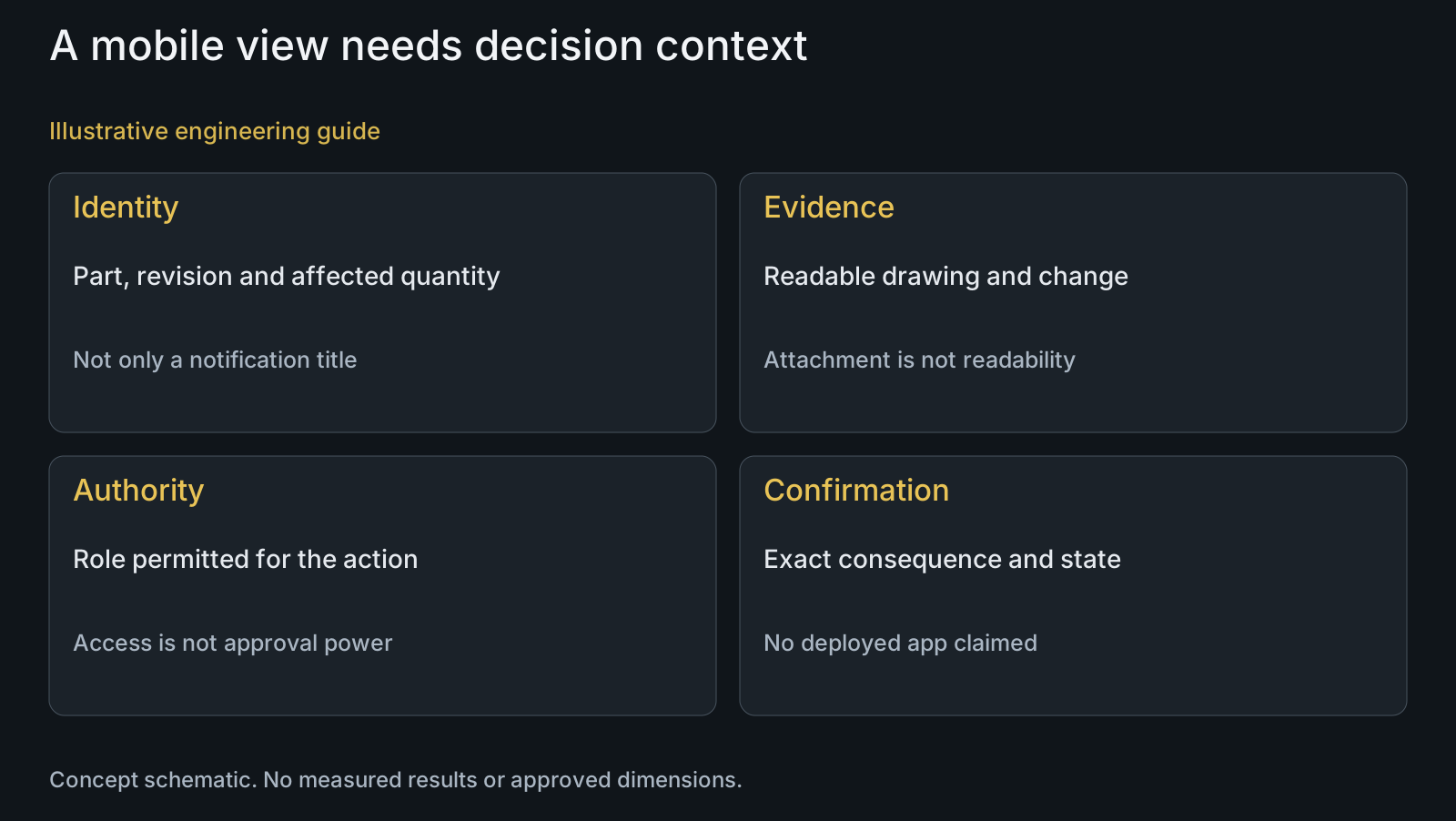
Viewing a question does not grant authority to approve it. Separate user access from technical and commercial responsibilities, including the affected order lines or quantities. A convenient shared screen should not turn every recipient into an approver.
W3C's error-prevention explanation describes review, correction or reversal mechanisms for consequential submissions within its defined accessibility scope. It supports considering deliberate confirmation, not a claim that this article certifies a supplier app or determines legal validity.
For a proposed approval workflow, make the configuration, quantity and consequence understandable before confirmation. Distinguish an acknowledgement of receipt from acceptance of a new requirement. An access log or download event does not automatically establish an engineering decision.
Handle uncertain submission states without repeating commitments
A weak connection can leave the user unsure whether an action reached the receiving system. An absent confirmation is not always proof that nothing happened. Reconcile the represented request before issuing a new independent commitment or assuming repeated taps are harmless.
If a local action is queued but not synchronized, show that meaning explicitly. A phone screen's local state should not be presented as the supplier's confirmed state. No offline queue, retry implementation or mobile approval service is promised here.
When another reviewer changes the underlying scope, identify the conflict before applying an earlier decision. Keep the responsible roles and affected configuration visible rather than resolving disagreement through the most recent tap. The supplier portal article addresses access and action context separately.
Review a sleeve change from an incomplete notification
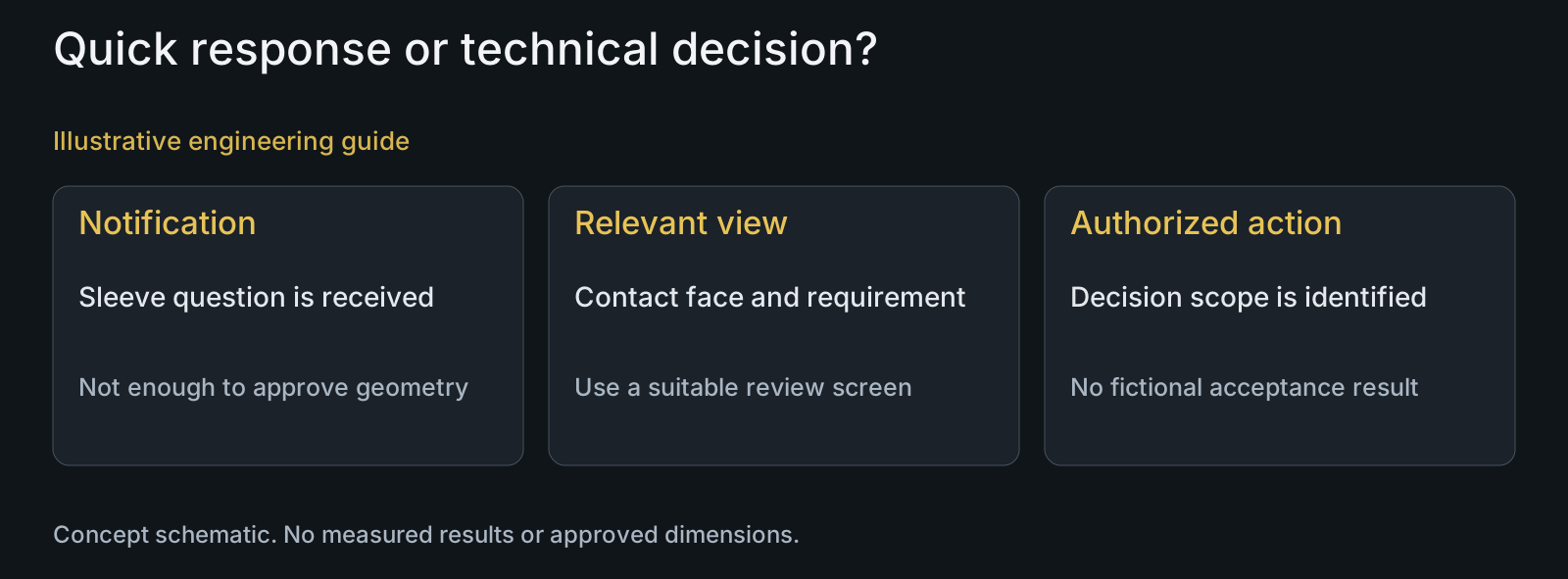
Illustrative engineering example: assume a procurement user receives a short mobile notification about a revised sleeve contact face. The relevant drawing difference is unavailable in the current view, and the user has commercial responsibility but not the technical change authority. No actual notification, app or approved design is assumed.
The user can acknowledge the question or request the appropriate review, but should not treat a generic approve button as adequate authority and evidence. The technical reviewer needs the actual contact definition and related requirements before deciding the change.
After that review, any required purchasing action should identify the accepted scope rather than refer only to the earlier notification. The example does not prescribe software or report a successful approval; it separates a useful quick response from a decision that requires more information.
Use the existing inquiry channel without overstating its service
Provide the available drawing, STEP, BOM, quantities and open question through the displayed inquiry path. Check file guidance and the actual submission result. Do not assume that successful contact automatically creates a quotation, accepted order or manufacturing release.
Keep confidential files limited to the relevant authorized exchange. Do not send account credentials or unrelated customer drawings to make mobile communication easier. Discuss recipients and any required confidentiality arrangement with the responsible people.
PremFixer's manufacturing overview, materials information and knowledge center help frame the physical purchase. Discuss actual communication arrangements for the project; this article establishes no dedicated mobile app, continuous status service or automatic order-approval capability.
Questions buyers need to confirm
Can I order custom pivots instantly on my phone?
Do not treat the inquiry path as instant checkout. It starts a project discussion. Confirm the supplied scope, offer and actual order arrangement separately before assuming acceptance or manufacturing authorization.
Is a drawing attachment enough for mobile approval?
Only if the required context can actually be reviewed adequately. Identify revision, changed features and mating requirements. If the view is insufficient, use a suitable review step rather than approve from a thumbnail.
Does opening a notification count as acceptance?
Not inherently. Define what the action represents and who has authority. Receipt, a comment, technical approval and commercial acceptance have different consequences and should remain distinguishable.
What if confirmation disappears after a weak connection?
Treat the state as uncertain until reconciled with the authoritative request record. Do not assume no action occurred or issue another independent commitment merely because the screen lacks a reply.
Can any portal user approve a changed sleeve?
No automatic authority follows from access. Identify the responsible design and commercial roles for the affected scope. Viewing or downloading information is different from authorizing a technical change.
What should be deferred from a quick mobile action?
A decision whose essential drawing, terms, quantity or change evidence cannot be reviewed or whose authority is unclear. Acknowledge the question if appropriate, then route it to the adequate review without inventing approval.
Technical references and scope
W3C Understanding SC 3.3.4. Informative accessibility explanation of error prevention for consequential submissions; no full conformance assessment, legal determination or implemented mobile workflow claimed.
Explore related component, material and sourcing decisions in the customer decision knowledge center. For a drawing review, use the Drawing/BOM RFQ path.
Send the project question with its actual review context
Provide the drawing revision, STEP, BOM, quantities, supplied condition and specific open decision through the Drawing/BOM RFQ path. PremFixer can discuss the manufacturing scope and communication path; no dedicated mobile approval app or instant order service is promised.
Discuss the drawing and BOM